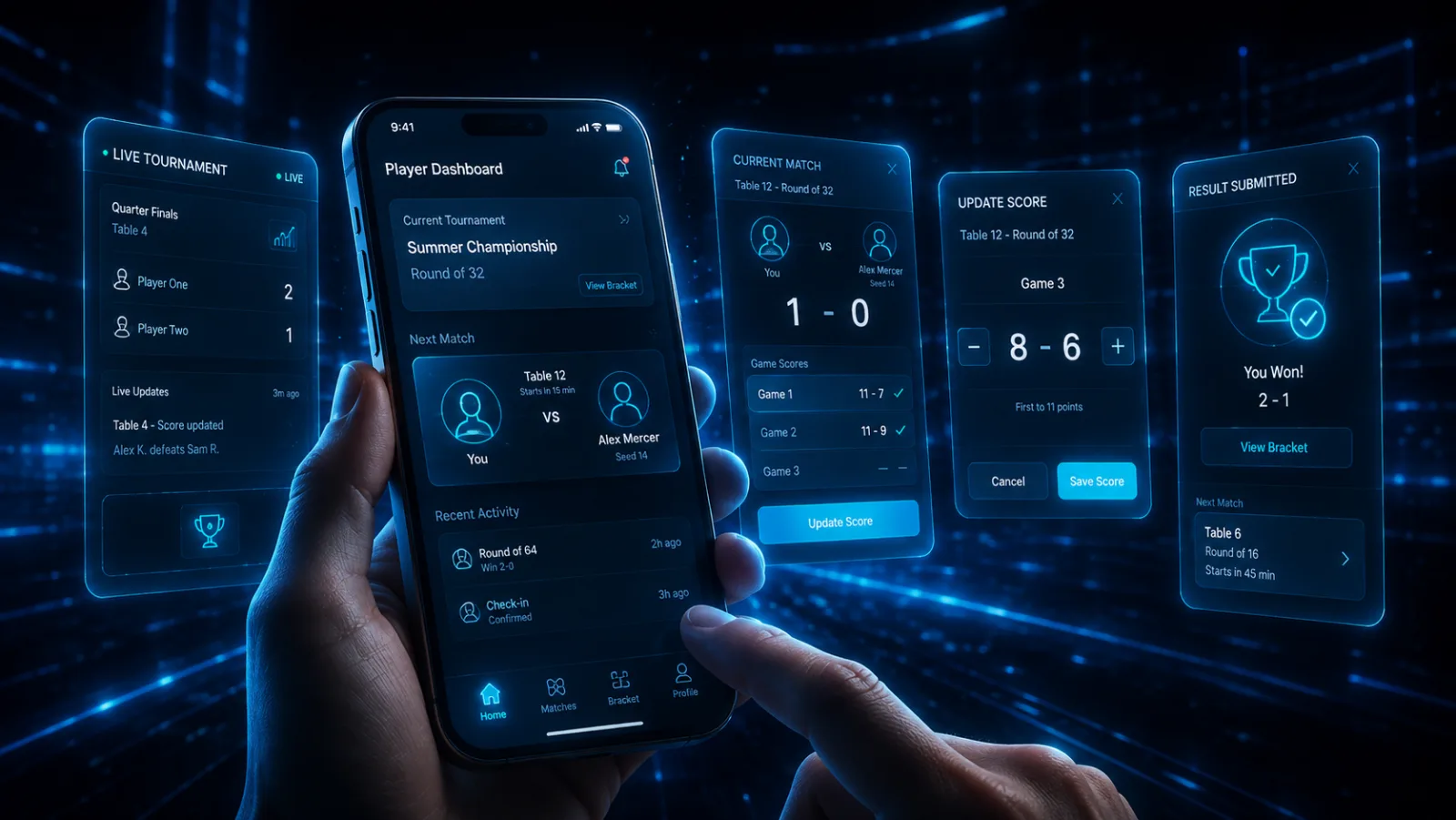
Your matches.
Your phone.
Everything you need during the tournament, directly on your phone. No separate app required.
New to GG Arena? View the Player Guide →
From link to next match.
The whole player experience, start to finish — no printouts, no asking around, no waiting to find out what's next.
- 01
Open your personal link
Scan a QR code or tap your personal URL from the tournament organizer. No app to download, nothing to install — it opens right in your browser.
- 02
See your match
Your opponent, the match length, your table, and the tournament status — all on one screen. You always know who you’re playing and where.
- 03
Play
Sit down and play. Use the built-in GG Match Clock where appropriate to keep the match on time.
- 04
Update & report the result
Update the live score as you go and submit the final result directly from your phone. The bracket and standings react instantly.
- 05
See what’s next
As the tournament progresses, your next opponent and match appear automatically. You always know what comes next.
One screen. Everything you need.
Your personal Player Dashboard keeps you connected to the event the whole way through — opens in any browser, updates the moment results come in.
Everything the dashboard gives you.
New to GG Arena?
The Player Guide walks you through everything step by step — from opening your link to reporting a result and adding the dashboard to your phone.
Ready to play?
Create a free account to keep all your tournaments and matches in one place — or just wait for your organizer's link.